GoodMaps

At Nashville International Airport® (BNA®), we are committed to creating an inclusive and accessible experience for all our visitors.
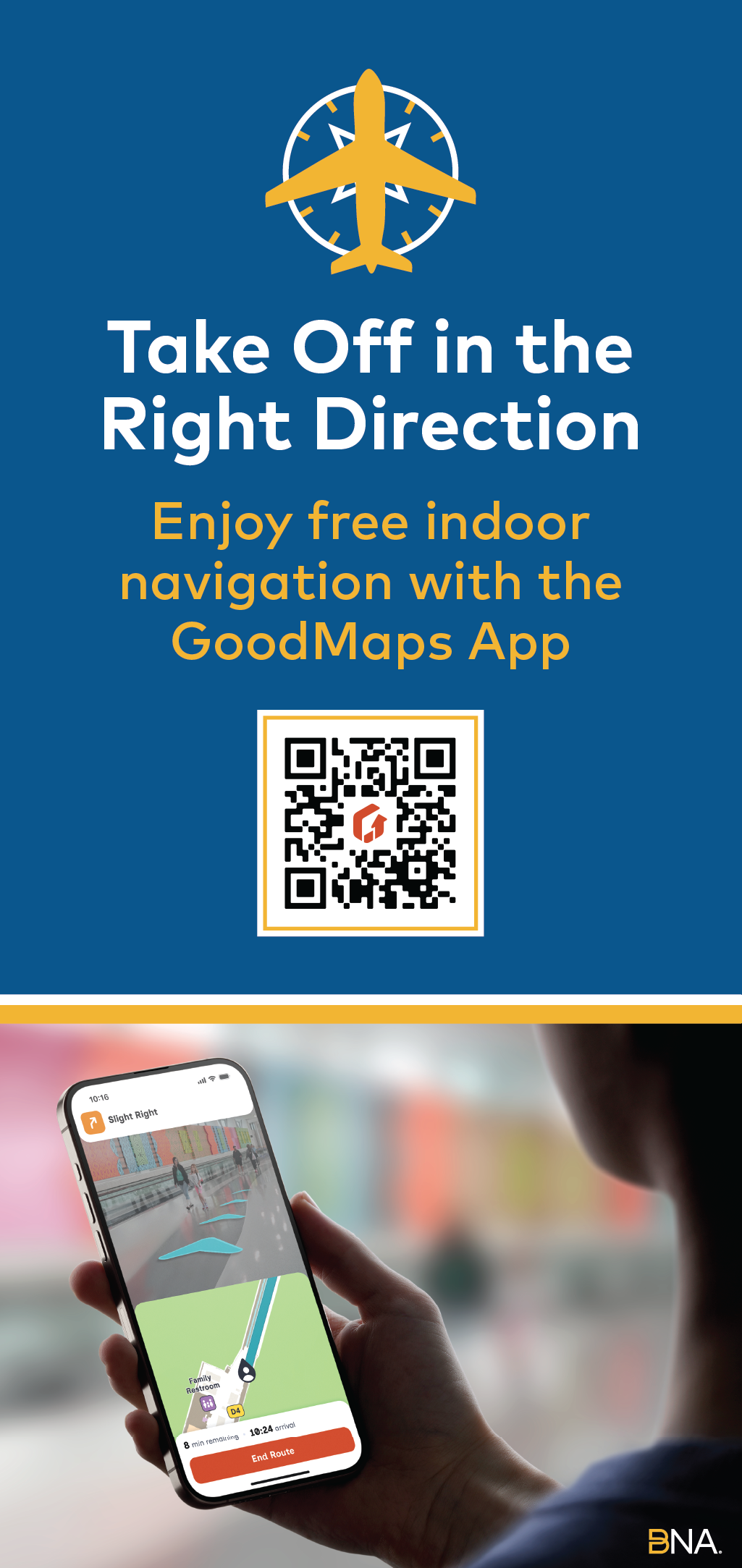
To enhance navigation and accessibility throughout our venue, we are proud to offer GoodMaps, an indoor navigation app designed to support everyone.
Frequently Asked Questions
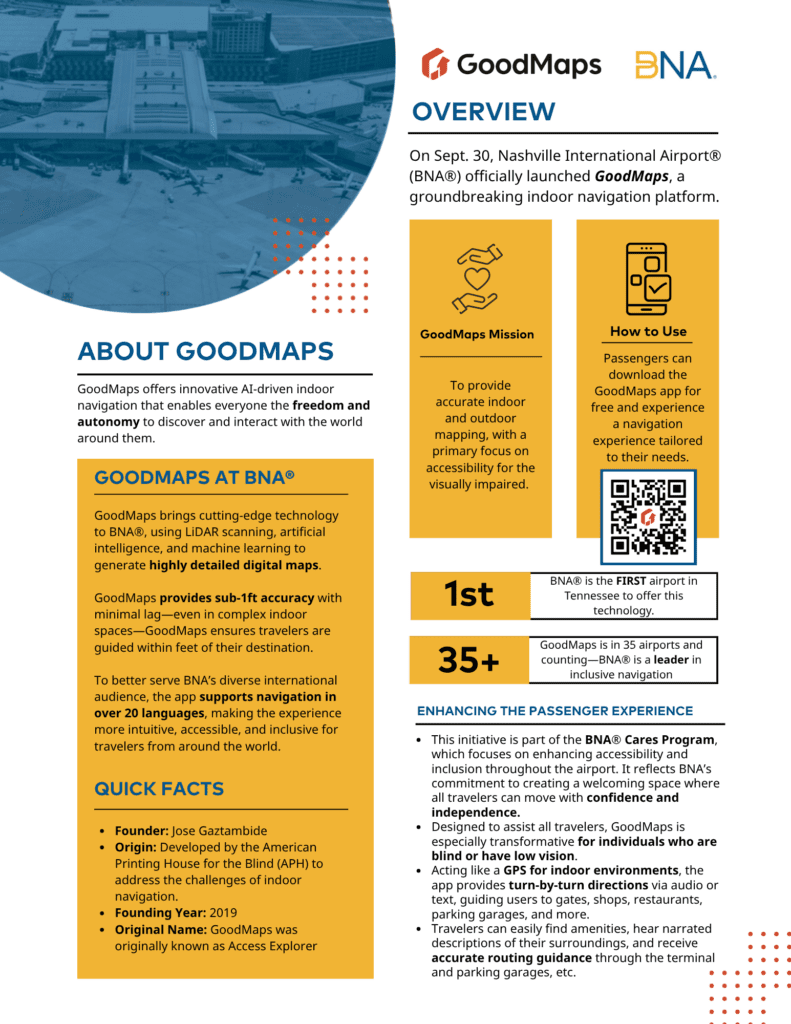
BNA® launched GoodMaps to enhance accessibility and promote independence for all passengers.
As part of the BNA® Cares Program, this initiative reflects our commitment to inclusive travel and ensures that everyone—regardless of ability—can navigate the airport confidently.
GoodMaps is an indoor navigation app designed to help passengers find their way around Nashville International Airport (BNA®) with ease.
It provides turn-by-turn directions using audio cues or on-screen text, making it especially helpful for travelers who are blind, have low vision, or prefer hands-free navigation.
Everyone! While GoodMaps is especially transformative for individuals who are blind or have low vision, it’s also useful for:
- First-time visitors
- International travelers (supports 20+ languages)
- Passengers with mobility challenges
- Anyone looking for a more intuitive way to navigate the airport
GoodMaps uses advanced technologies like LiDAR scanning, artificial intelligence, and machine learning to create highly detailed digital maps of BNA®.
Once you open the app, it guides you through terminals, gates, restaurants, shops, restrooms, parking garages, and more—just like GPS, but indoors.
Yes! You can explore BNA® virtually through the app before your trip.
This is especially helpful for planning routes or familiarizing yourself with terminal layouts in advance.
To view the map in a browser, use:
The app uses a combination of:
- Bluetooth beacons
- Sensor data from your phone
- Pre-scanned LiDAR maps
This allows it to pinpoint your location and guide you accurately—even in areas without GPS.
GoodMaps covers key areas of BNA®, including:
- Terminals and gates
- Dining and retail locations
- Restrooms and amenities
- Parking garages
- Security checkpoints
Yes. GoodMaps includes key airport services like:
- Baggage claim areas
- Rideshare pickup zones
- Rental car counters
- Shuttle and taxi stands
Yes! As of Sept. 30, 2025, GoodMaps is active in 36 airports across 16 U.S. states and 8 countries. BNA proudly became the 18th airport to join the GoodMaps network.
Beyond airports, GoodMaps also enhances accessibility in a variety of indoor spaces—including college campuses, museums, libraries, and community centers. Its mission is to improve accessibility and deliver precise, location-aware guidance wherever people need it most.
While GoodMaps is a standalone app, it complements other tools like screen readers and voice assistants.
It’s designed to work seamlessly with most mobile accessibility settings.
Yes! GoodMaps is designed for travelers of all abilities.
It helps users avoid stairs, locate elevators, and choose the most accessible routes through the airport.
Definitely! The app’s intuitive interface and customizable guidance make it easy for users of all ages to navigate BNA® independently.
It goes beyond them!
GoodMaps was designed with inclusivity at its core, exceeding ADA standards to provide a seamless experience for travelers of all abilities.
GoodMaps works best with an internet connection, but once maps are downloaded, basic navigation can function offline.
For full features like real-time updates, a connection is recommended.
No—GoodMaps is completely free to download and use.
Yes. GoodMaps is committed to user privacy and does not collect personally identifiable information.
For more details, you can review their Privacy Policy.